

Insulation and energy renovation
How to use a PIR calculator to choose a practical insulation thickness
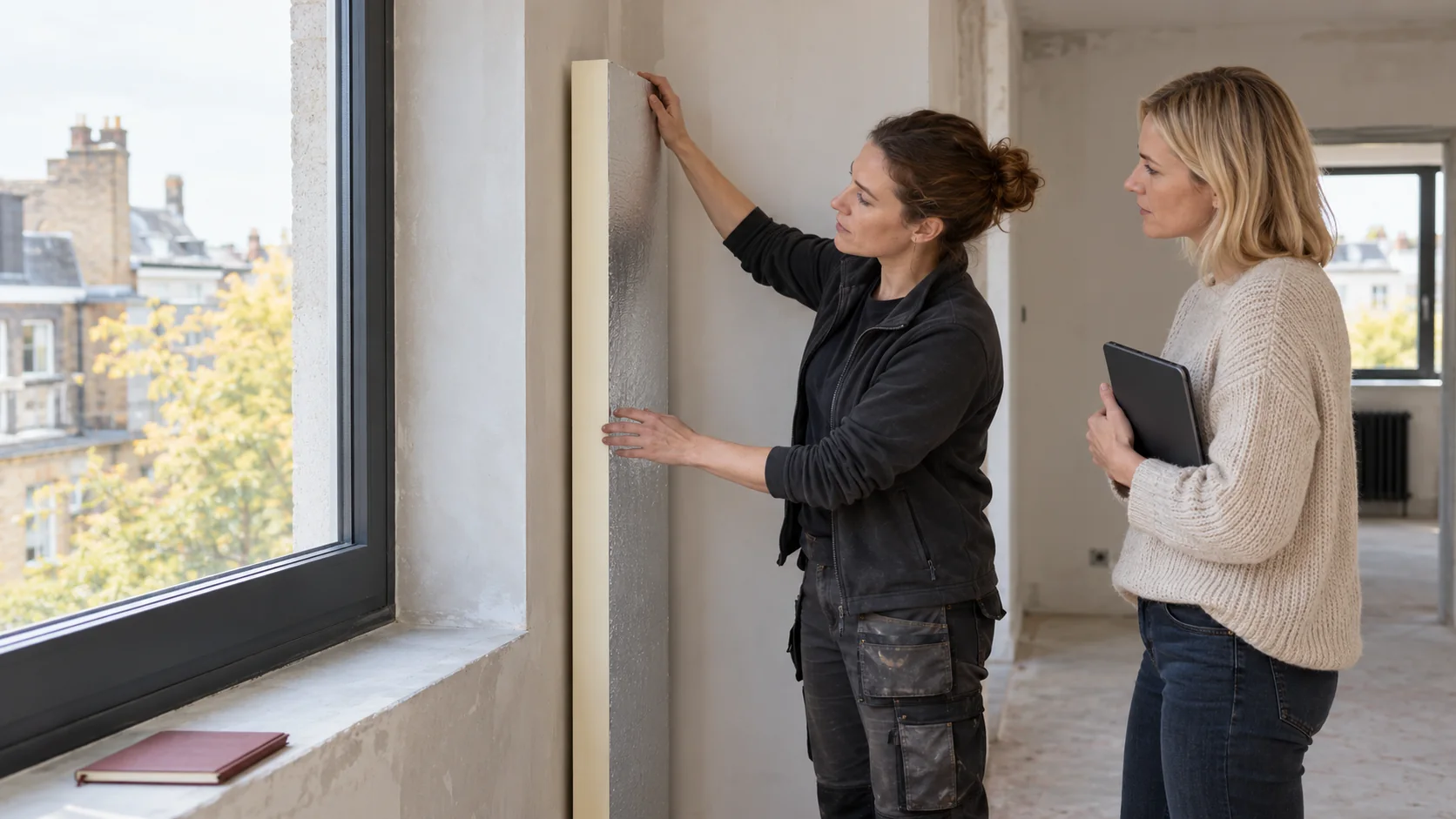
A PIR insulation calculator can help you compare renovation options. Before entering a thickness, identify the board and decide what you want to calculate. Adding insulation to a masonry wall means adding up the thermal resistances of the existing and proposed layers. For a steel-faced sandwich panel, use the performance declared for that particular complete panel. Both products contain PIR, but the two calculations are not interchangeable. This guide explains which inputs to use, how to check the result by hand and what to take to your designer. The calculator cannot tell you how your wall was built or whether it is damp.
In this article
Choose the right calculation
Check what the U-value represents: the panel alone, the entire wall or a result that already includes corrections. Check the units too. If the calculator expects metres, entering 100 instead of 0.10 changes the thickness a thousandfold. Without a record of the layers and assumptions, the result will be difficult to check later.
Enter the wall as it was built
List the layers in order from the room to the outside. You will need the thickness and thermal properties of each one. If you only have a rough description of an old wall, run a conservative scenario and note what is uncertain. Selecting the best-performing material in every drop-down menu improves the figure on screen without changing the building.
Do not add the resistance of an air gap unless you know it exists. Damp or damaged insulation should not be entered as if it were a new layer in perfect condition. For a substantial renovation, it can be worth having the wall build-up investigated. Correcting a mistake in the thickness or junction details may cost more than the inspection.
Use the conductivity of the chosen board
Use the declared conductivity for the exact board, facing and thickness. For example, an aluminium-faced board might have a λ-value of 0.022 W/(m·K), while a fleece-faced façade board might have a value of 0.026 W/(m·K). Do not use the lower figure for a product that does not declare it. Even within a product range, conductivity can vary with thickness.
If the calculator accepts a declared thermal resistance R, do not count the same layer again by entering thickness divided by conductivity (d/λ). A hand calculation may differ slightly from the table because of how values are declared and rounded. Use the figures for the chosen product in the design.
Check the result by hand
As an illustration, take an existing wall with a U-value of 1.20 W/(m²·K) and a target of 0.20 W/(m²·K). The extra thermal resistance needed is 1/0.20 minus 1/1.20, or about 4.17 m²·K/W. Multiplying this by a conductivity of 0.022 W/(m·K) gives about 92 mm of insulation. At 0.026 W/(m·K), the same target calls for about 108 mm.
This estimate assumes that the existing U-value is correct and leaves out fixings and thermal bridges. It can reveal a unit error, but it is not a design specification. After choosing a thickness that is actually available, such as 100 or 120 mm for the appropriate board, recalculate the complete wall.

Allow for details the calculator misses
Check windows, lintels, ring beams and the wall-to-floor junction. A calculator that models a uniform patch of wall will not automatically cover each of these details. Mechanical fixings may also require corrections. If the displayed result only just meets the target, check these omissions before choosing a system with no margin.
Internal insulation also requires an assessment of heat, moisture and airtightness. A U-value will not tell you whether the masonry can dry or whether a corner will stay cold where the insulation ends. A narrow window reveal or an old beam needs its own detail, whatever thickness the calculator suggests.
Save the comparison and have the assumptions checked
Compare two or three realistic options. For each, record the total build-up thickness, the thermal result and any changes the work would entail. One option may need new sills; another may mean moving services. These differences can determine which option is practical to install and works best once the space is in use.
When asking for a design check, send the wall description along with the result. If opening up the wall reveals different layers, repeat the calculation. The final choice should account for the specific system, fixings, moisture conditions and project requirements. The calculator is useful when it makes those decisions easier to review.
Record the calculation date and the version of the product data. If a quotation prompts you to change the facing or thickness, update the result. Use file names that distinguish the approved option from earlier trials, especially when comparing several rooms.
Questions and answers
Why do two calculators suggest different thicknesses?
They may use different surface resistances, conductivities, corrections or rounding rules. Check whether both tools calculate the whole wall. The results are comparable only if the inputs and the scope of the calculation match.
Can I round the calculated thickness down?
Only after checking the complete build-up again. Choose an available thickness with verified properties and repeat the calculation. If there is not enough room for the insulation at a junction, change the detail rather than leaving the missing thickness out of the calculation.
7 branches. Materials closer to your project.

Free quote
Materials for your project
You may also find useful…
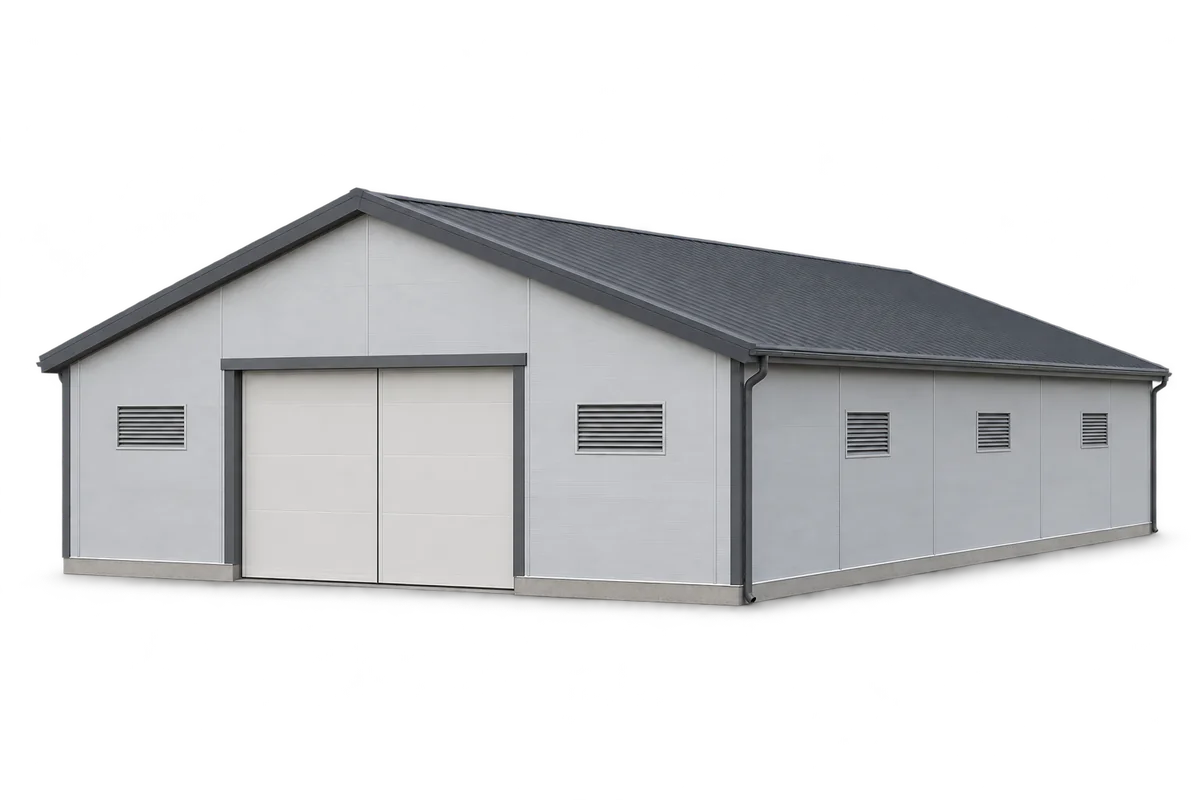
Comparing offers for the enclosure of a pig house requires a common schedule of walls, ceiling, claddings and details, as well as…
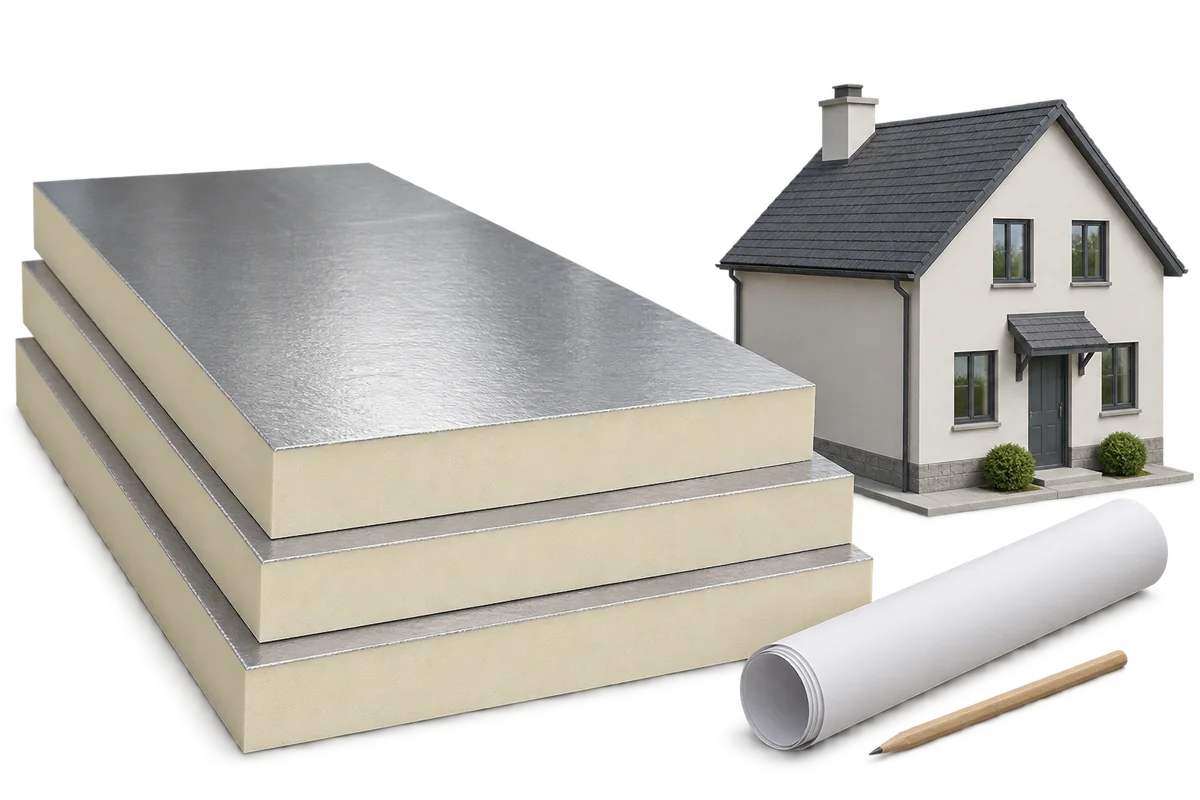
When commissioning energy refurbishment, it is easy to confuse three different things: the expected lower bill, the perceptible improvement in comfort, and…
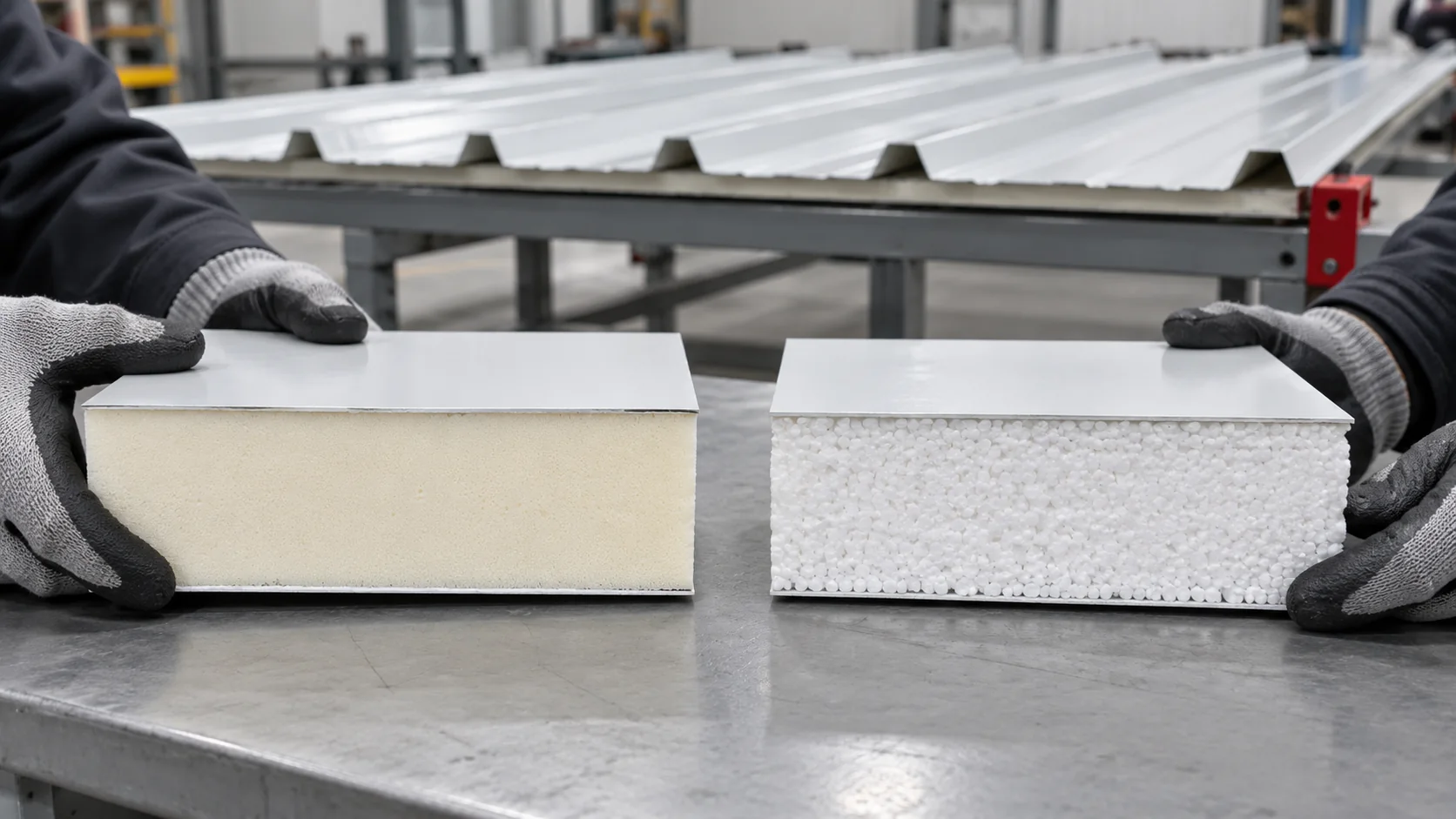
When replacing a roof, compare complete roof panels with two facings and a profile designed for roofing. The PIR or EPS core…
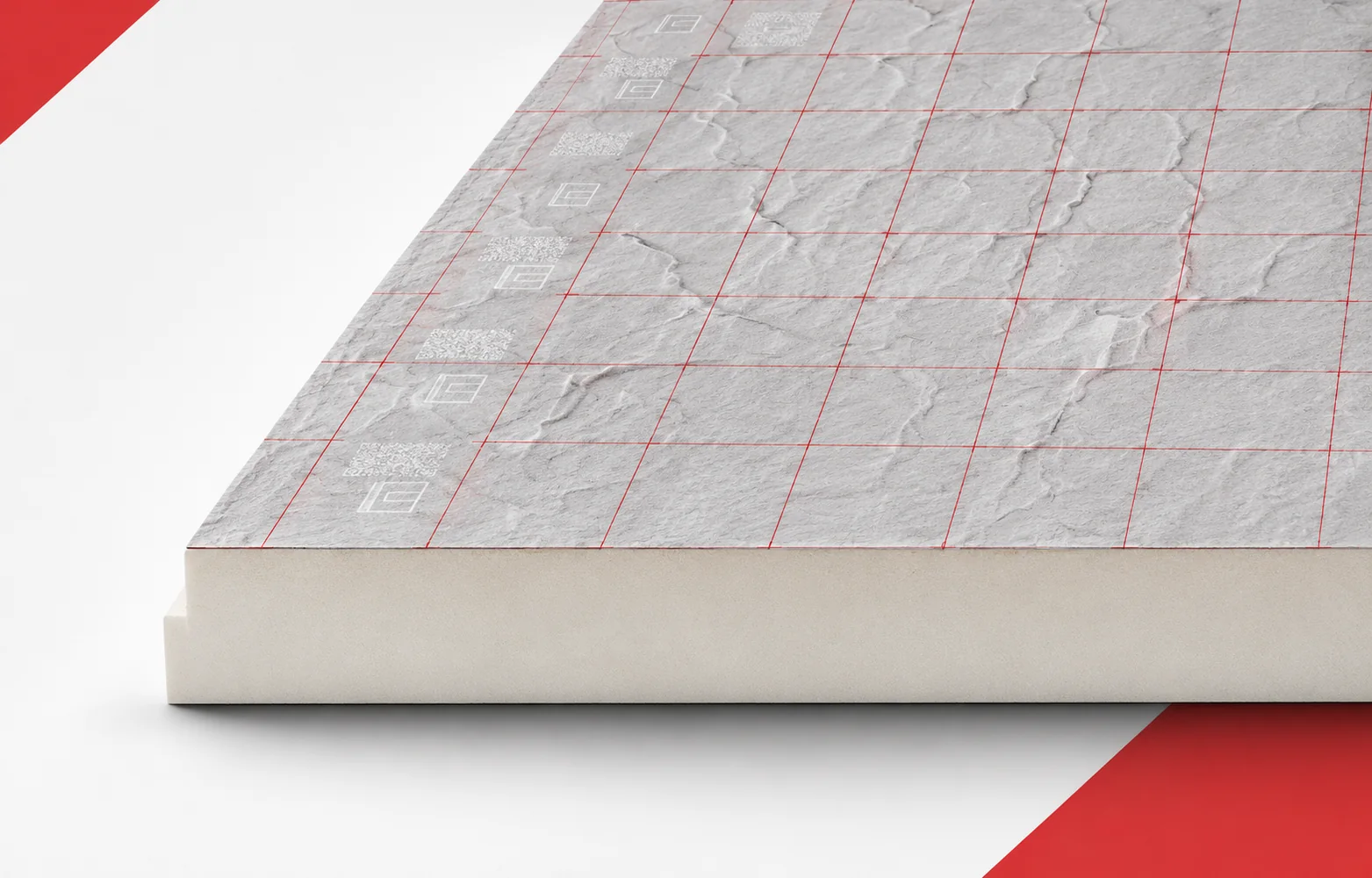
On a flat roof, thermal resistance matters, but so does the height available at parapets and outlets. Thermano Deck allows a relatively…
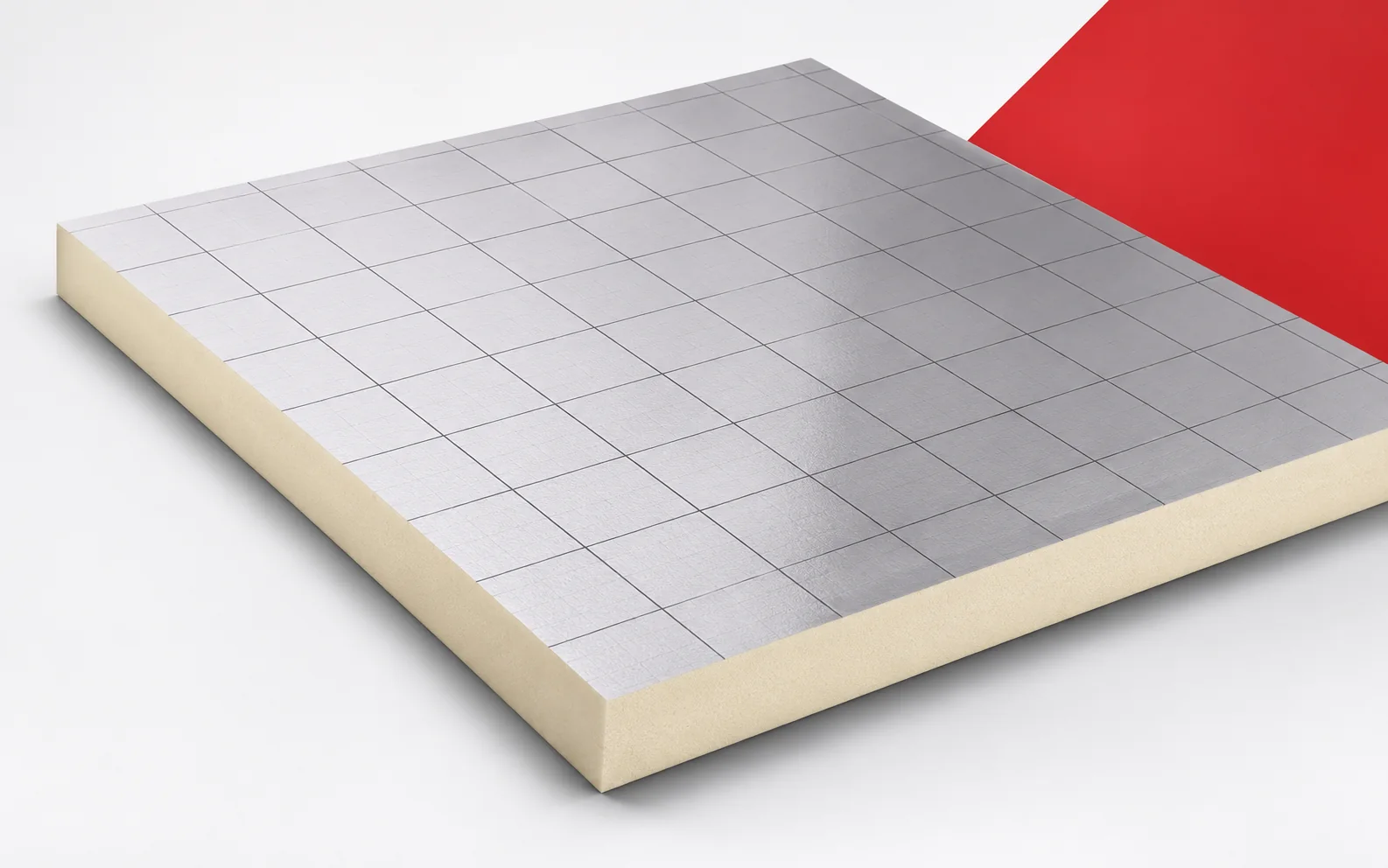
A low floor build-up may leave limited space for insulation. Recticel Eurofloor achieves substantial thermal resistance with a thin board. Before selecting…
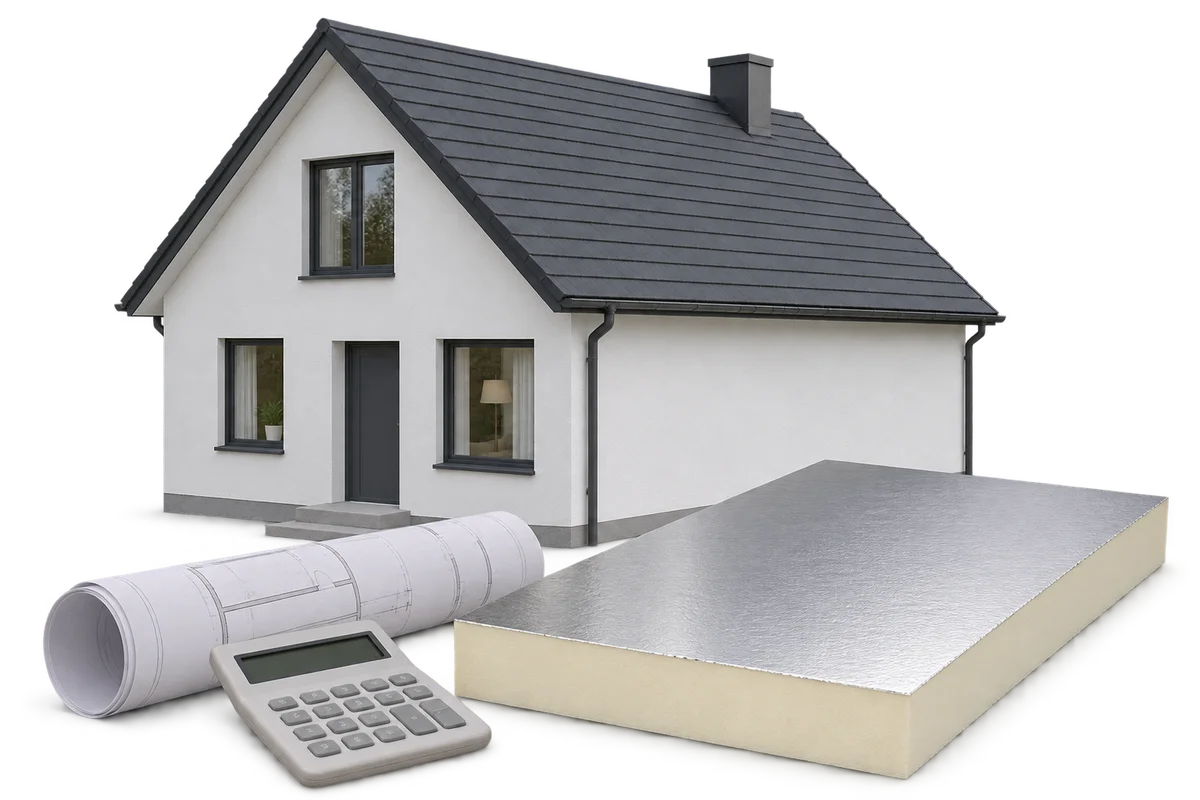
The cost of insulating a home includes materials, substrate preparation, installation and finishing of details. The price per square metre of the…
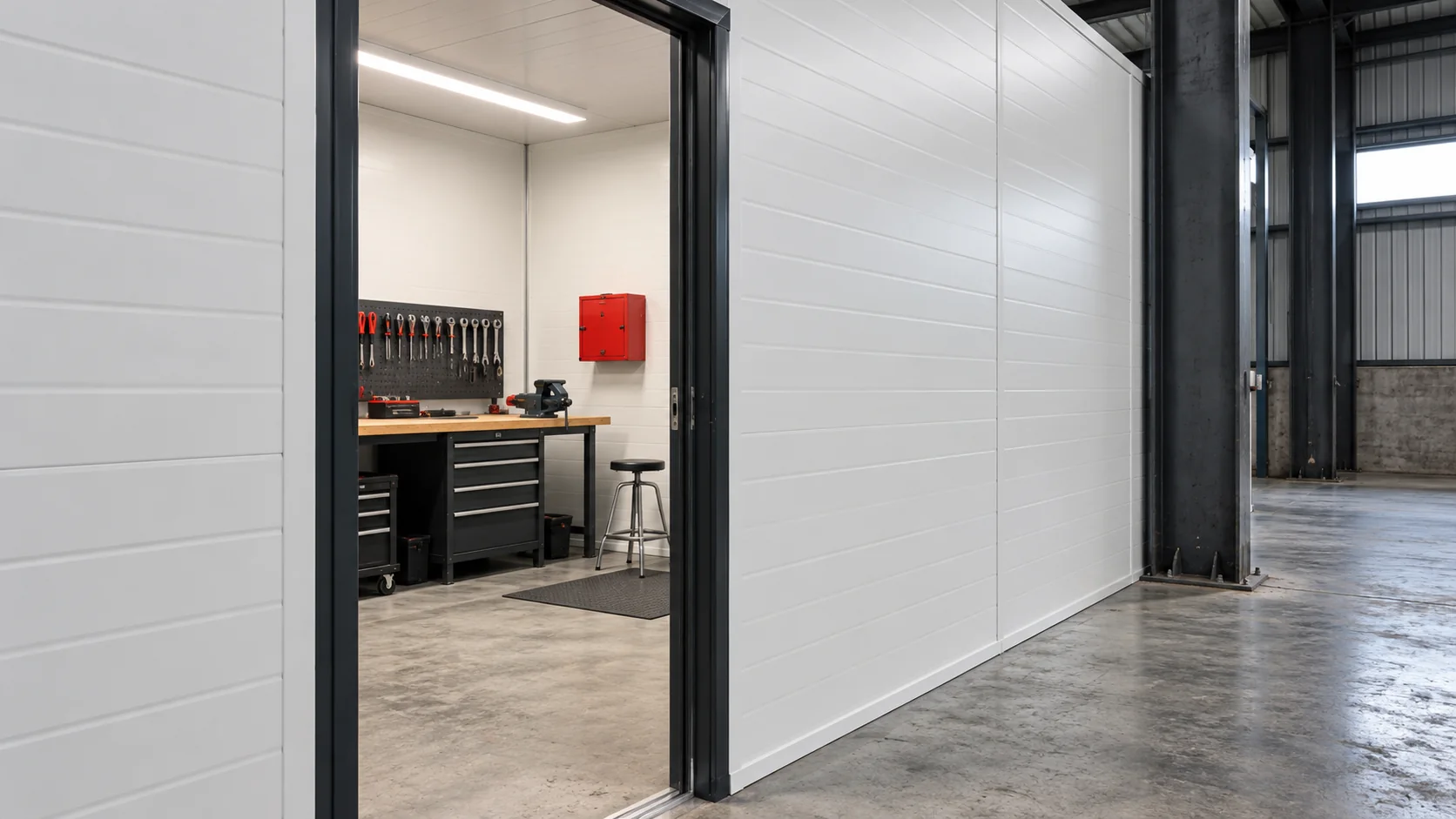
When converting an unheated warehouse to regular winter use, first decide which parts of the building need heating. Keeping a separate workshop…
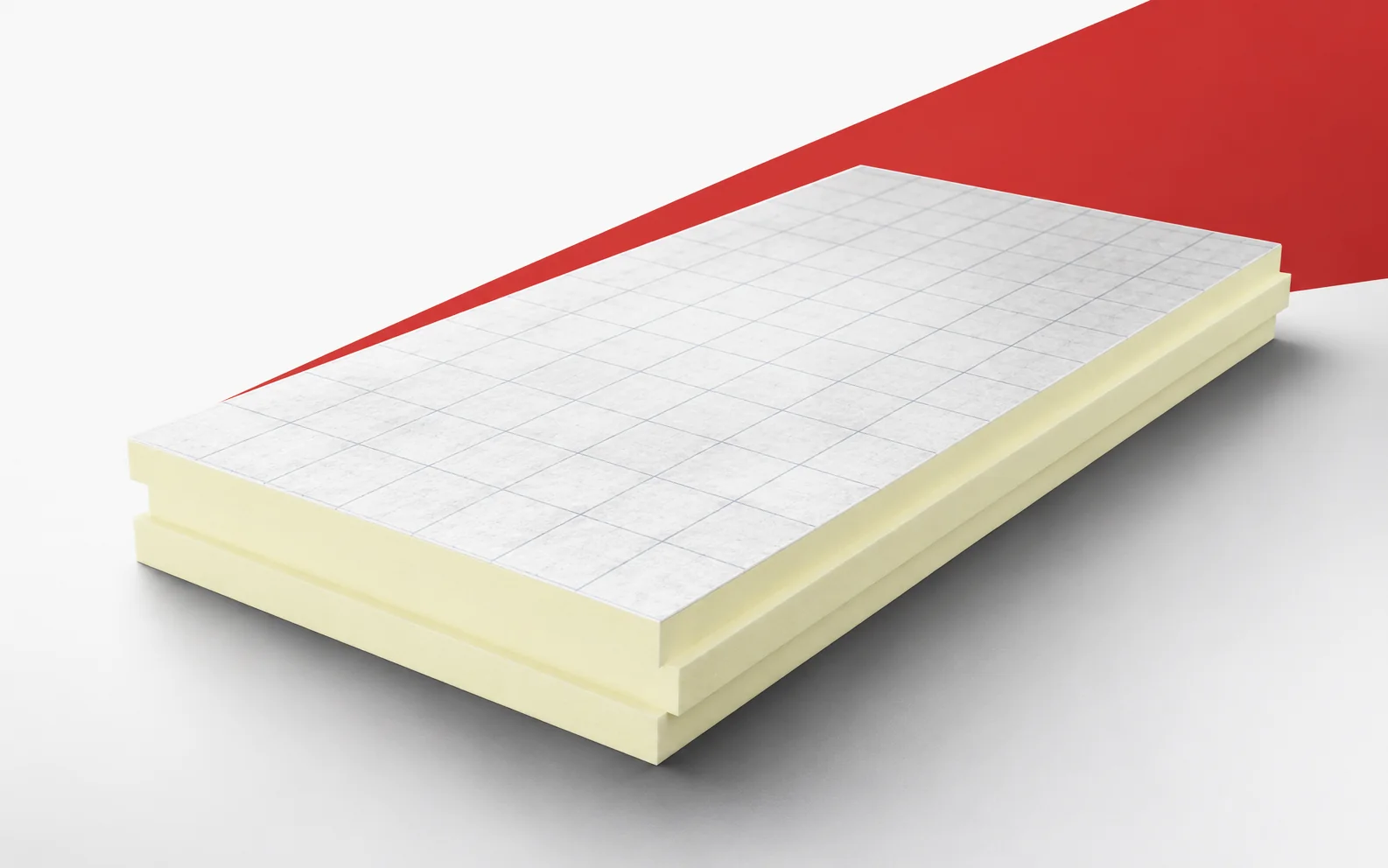
A very low lambda is most useful where there is no room for the layers. termPIR MAX 19 AL has a declared…